The below outlines the usage of the XchangeIT Lottery Interface
To skip to a specific section, click on one of the following links:
Customer fills out their lottery slip(s) with their lottery numbers and presents them to the operator.
The operator inserts the customer's lottery slip(s) into the S8/Wave 8 Lottery Terminal.
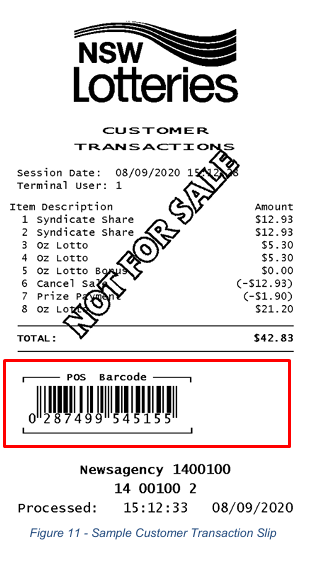
The S8/Wave 8 Lottery Terminal prints out a slip containing a list of Lottery products that were purchased with a barcode at the bottom of hte slip - the operator will scan the barcode on the slip into the Idealpos POS Terminal.
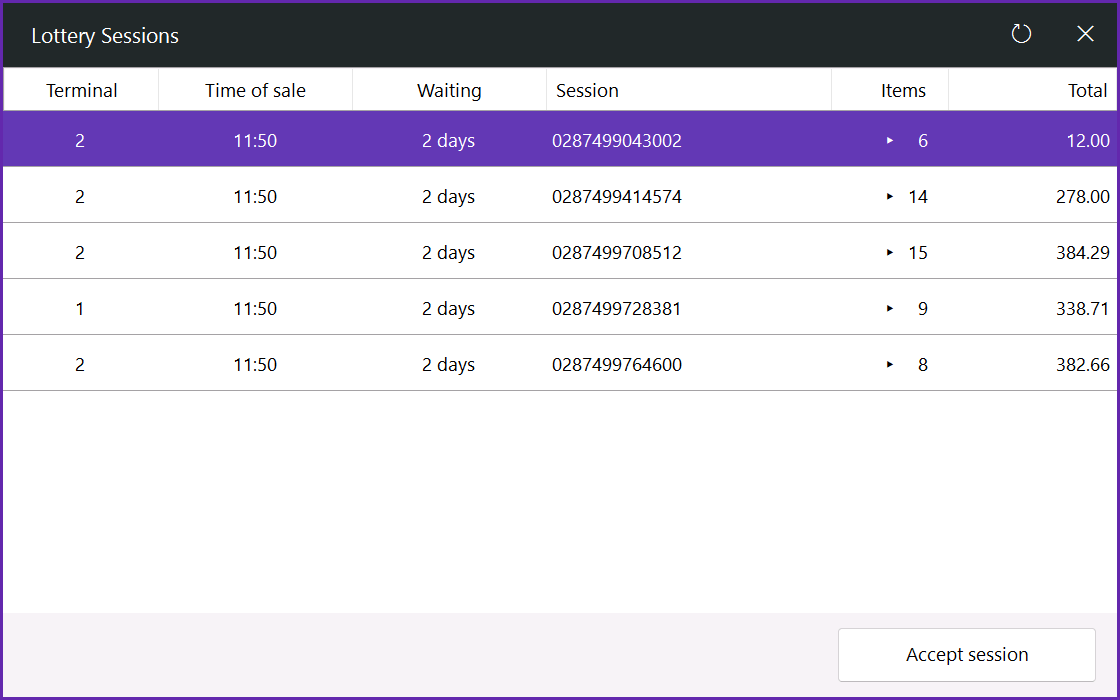
Alternatively, the operator can press the Lottery Connect button on the POS Screen which will request the current "sessions" in the Lottery message pool; they can then select the correct session that corresponds to the customer's purchase > Press "Accept Session".
Tip!
The arrow in the Items column can be pressed to expand the session which will show all the Lottery products contained within that session.
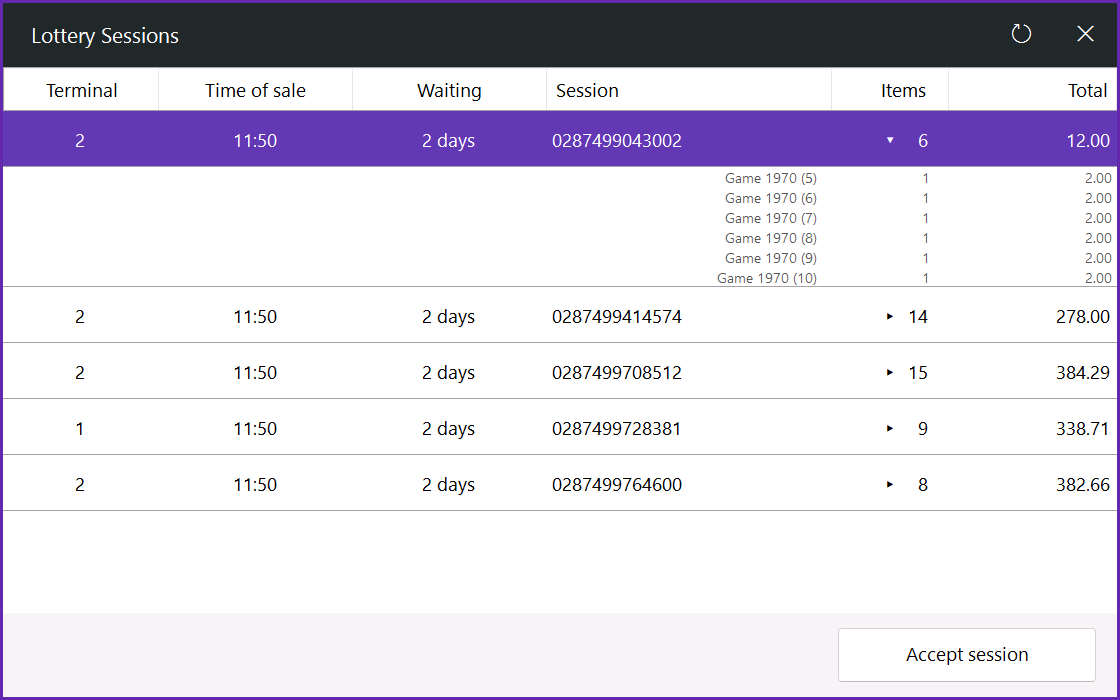
The Lottery products that were purchased will be entered into the sale.
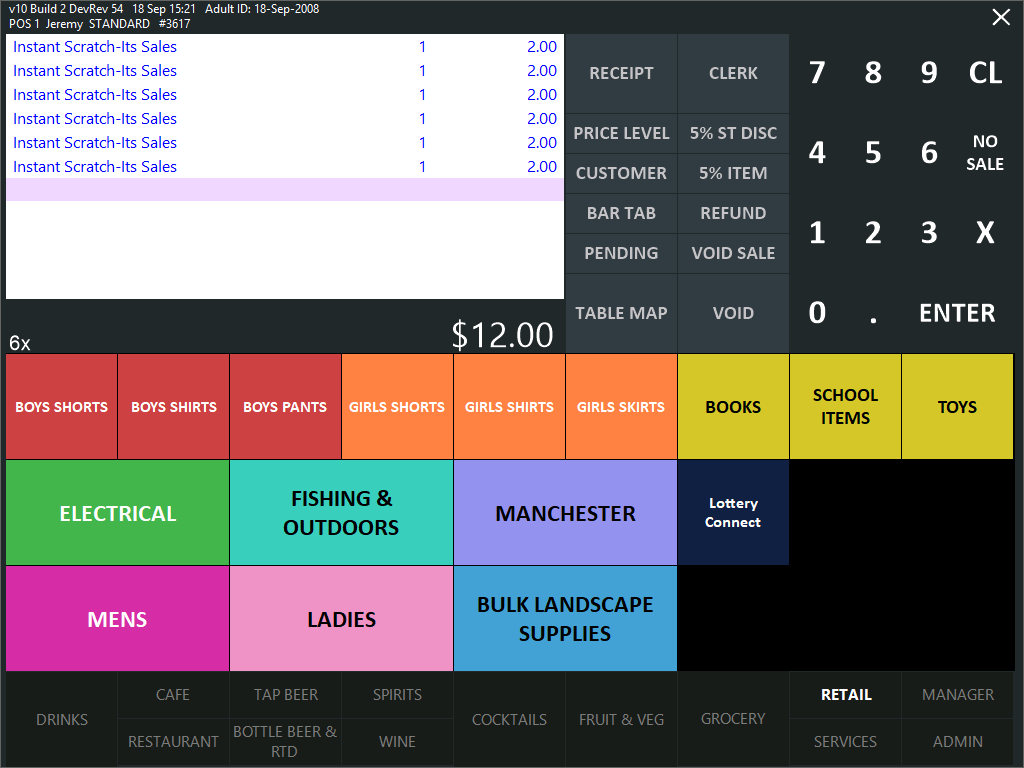
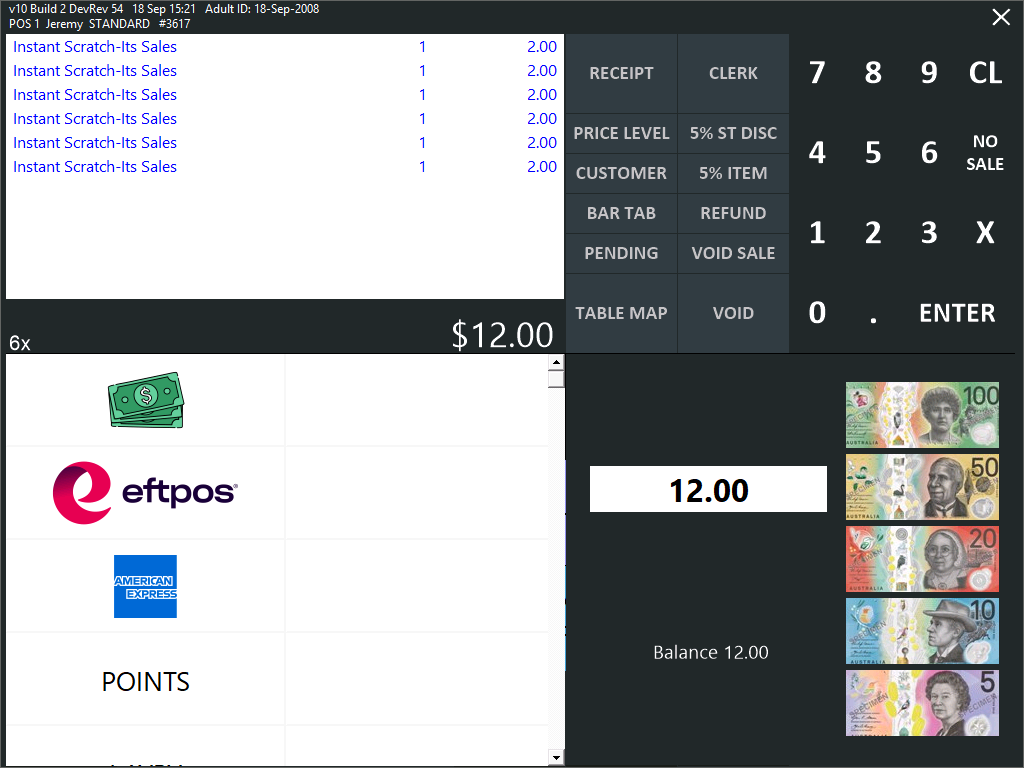
Tender the sale/take money from customer to finalise the sale.
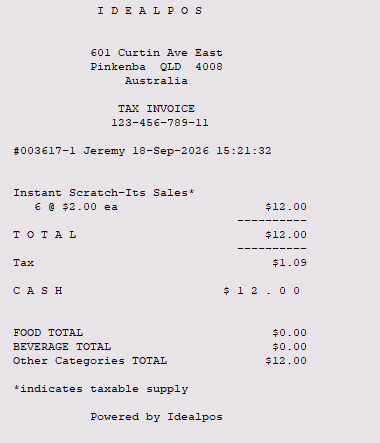
Idealpos prints the standard sale receipt.
After the sale is finalised, the S8/Wave 8 Lottery Terminal will print the final lottery tickets for the operator to give to the customer.
The customer presents their lottery ticket to the operator.
The operator inserts the customer's ticket into the S8/Wave 8 Lottery Terminal.
If the ticket is a winning ticket, a Payout slip is printed from the terminal.
Operator scans the payout slip barcode into the Idealpos POS Terminal.
Alternatively, the operator can press the Lottery Connect button on the POS Screen which will request the current "sessions" in the Lottery message pool; they can then select the correct session that corresponds to the customer's win.
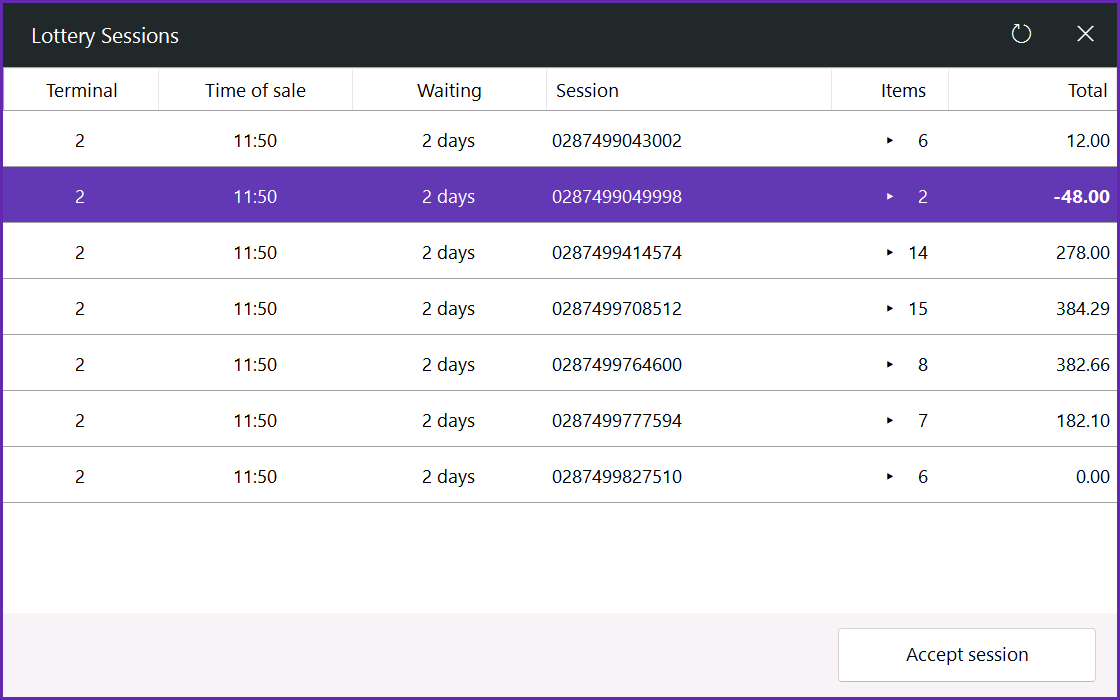
Tip!
The arrow in the Items column can be pressed to expand the session which will show all the Lottery products contained within that session.
The winning lottery item will appear in the sale as a refund.
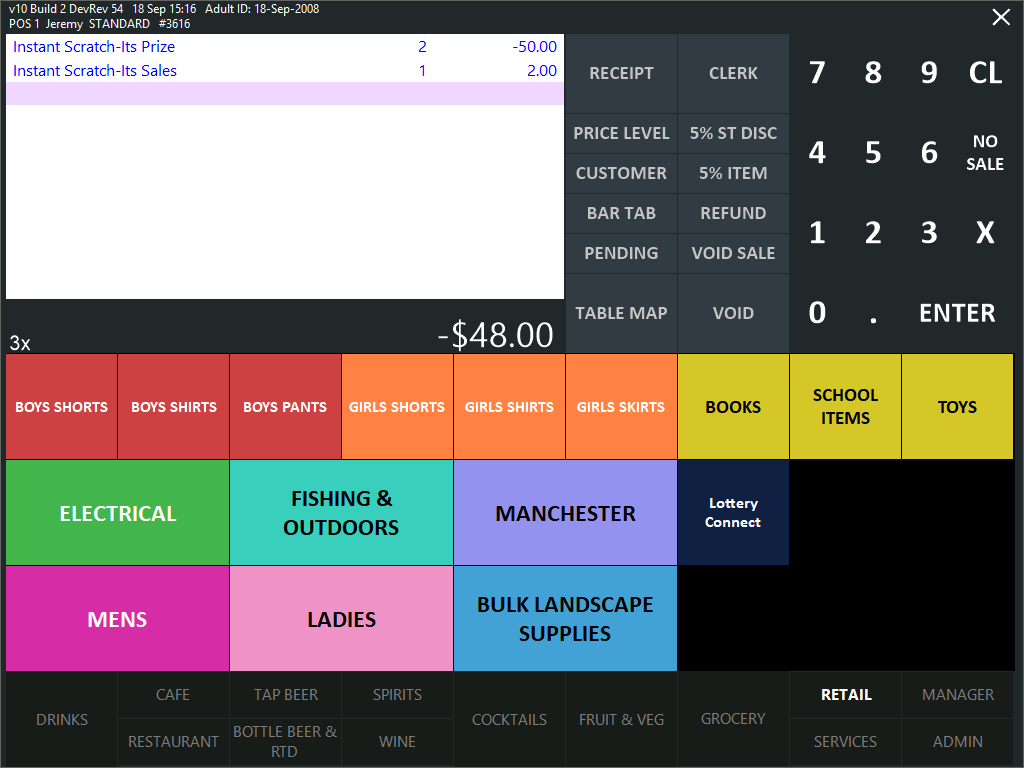
Sale is tendered and winnings are paid out to the customer.
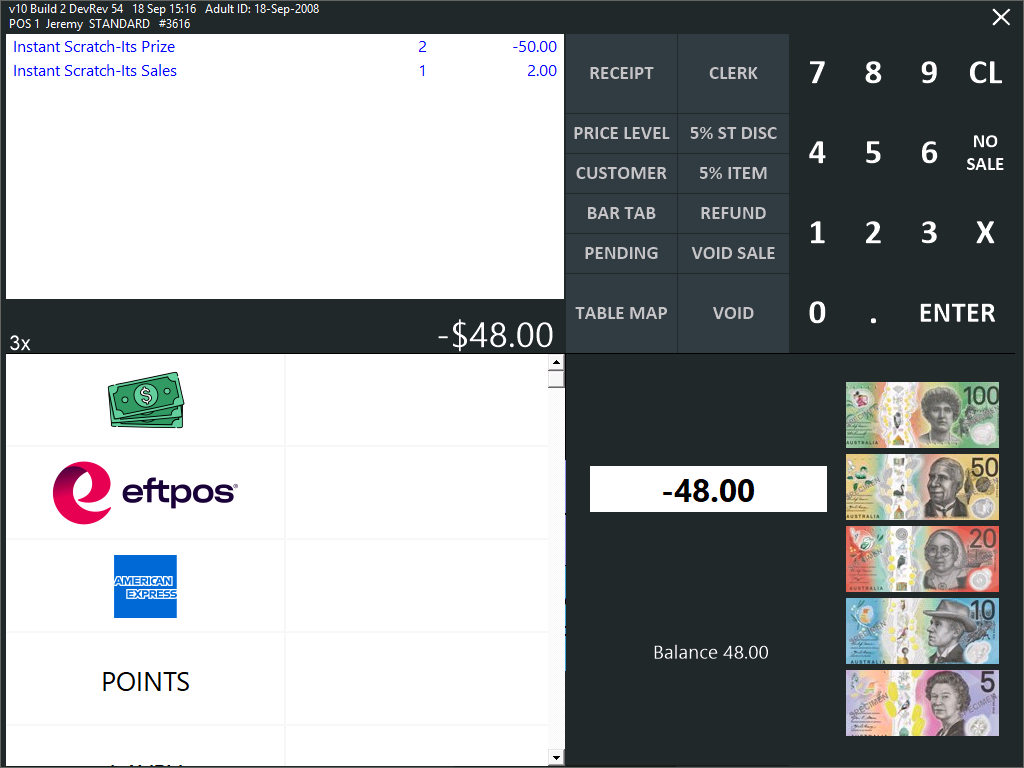
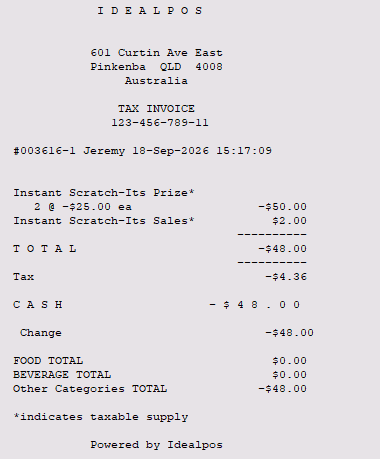
Idealpos prints the standard sale receipt
Refer to XchangeIT/Lottery Terminal documentation/The Lott for in-depth information regarding the usage of their terminals/payouts/policies.
For any lottery win payouts in a newsagency, The Lott enforces various limits by state/territory. Refer to The Lott for more information.
Newsagencies have discretion on cash payout based on available cash; claiming larger cash prizes/jackpots/etc. will need to be done via The Lott.
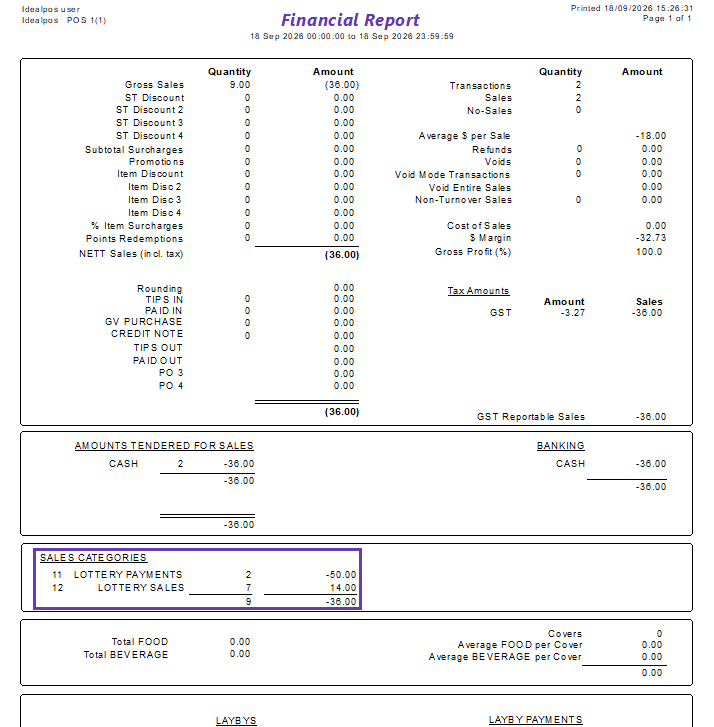
Lottery Sales and Lottery Payouts can be reported on by going to:
Back Office > Reports > Financial > Financial Report > Enable Checkbox "Calculate Sales Categories above 10" if required > Press "View".